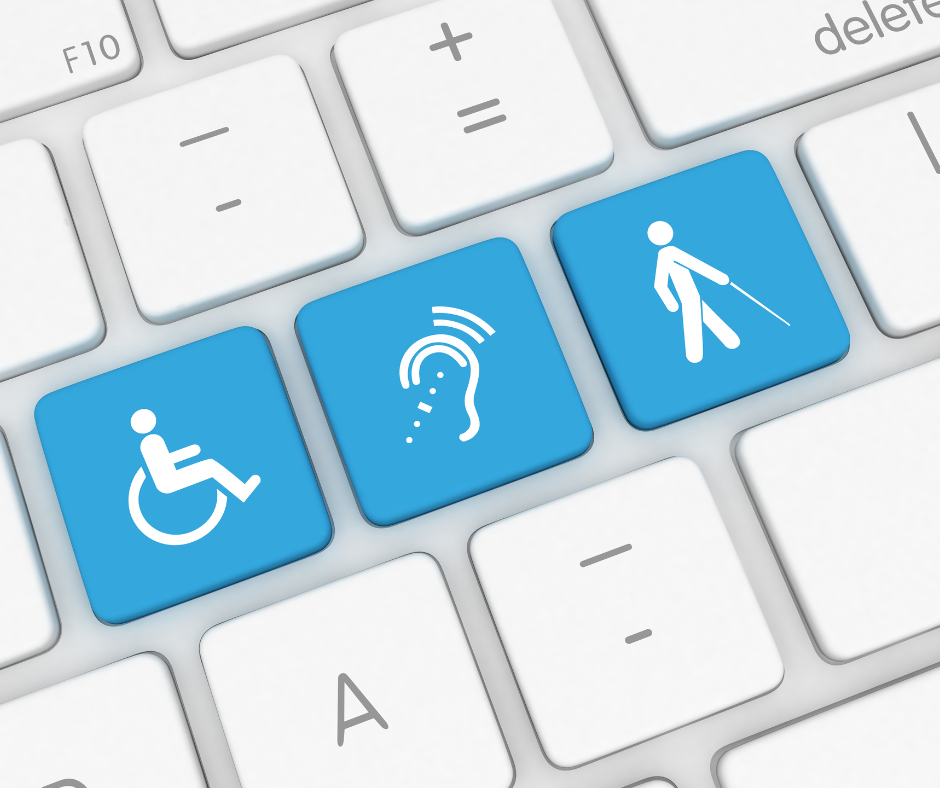
A website should work for everyone. Yet many visitors face barriers caused by poor contrast, confusing navigation, missing descriptions, or inaccessible forms.
Adding the right website accessibility features creates a better experience for people with different abilities. These improvements can also strengthen website usability for every visitor.
Start With Clear Navigation
Visitors should understand where they are and where to go next. Use descriptive menu labels, logical page structures, and consistent navigation.
Keyboard navigation also matters. People should be able to move through links, buttons, menus, and forms without relying on a mouse.
Make Content Easier to See and Understand
Good color contrast makes text easier to read. Avoid using color alone to communicate important information.
Use clear headings, short paragraphs, descriptive links, and readable typography. These accessible web design practices also make pages easier to scan.
Images should include meaningful alternative text when they communicate useful information. Videos should provide captions so important content is not limited to people who can hear the audio.
Build Accessible Forms
Forms can quickly become frustrating when fields are unclear. Every field should have a descriptive label, and instructions should be easy to understand.
Error messages should explain what went wrong and how to correct it. Users should also be able to complete forms with a keyboard.
Consider Assistive Technology

Inclusive web design accounts for people using screen readers, keyboard controls, magnification tools, and other assistive technologies.
Following established WCAG accessibility principles provides a useful framework for identifying and reducing digital barriers. Accessibility reviews can also help businesses understand areas relevant to ADA website compliance.
Accessibility Benefits Everyone
Accessibility is not simply a technical checklist. It is part of creating a thoughtful digital experience.
Clear navigation, readable content, useful labels, and flexible controls improve usability across devices and situations. Building accessibility into your website from the beginning can also reduce expensive fixes later.
Frequently Asked Questions
What are website accessibility features?
They are design and development features that help people with different abilities navigate, understand, and interact with a website.
Does an accessible website improve usability?
Yes. Features such as readable text, clear navigation, captions, descriptive links, and well-designed forms can improve the experience for many users.
How can businesses improve website accessibility?
Start by reviewing keyboard navigation, color contrast, image ALT text, forms, headings, captions, and compatibility with assistive technology. Regular accessibility testing should also be part of website maintenance.