
1. Why Use Google Analytics for SEO Tracking
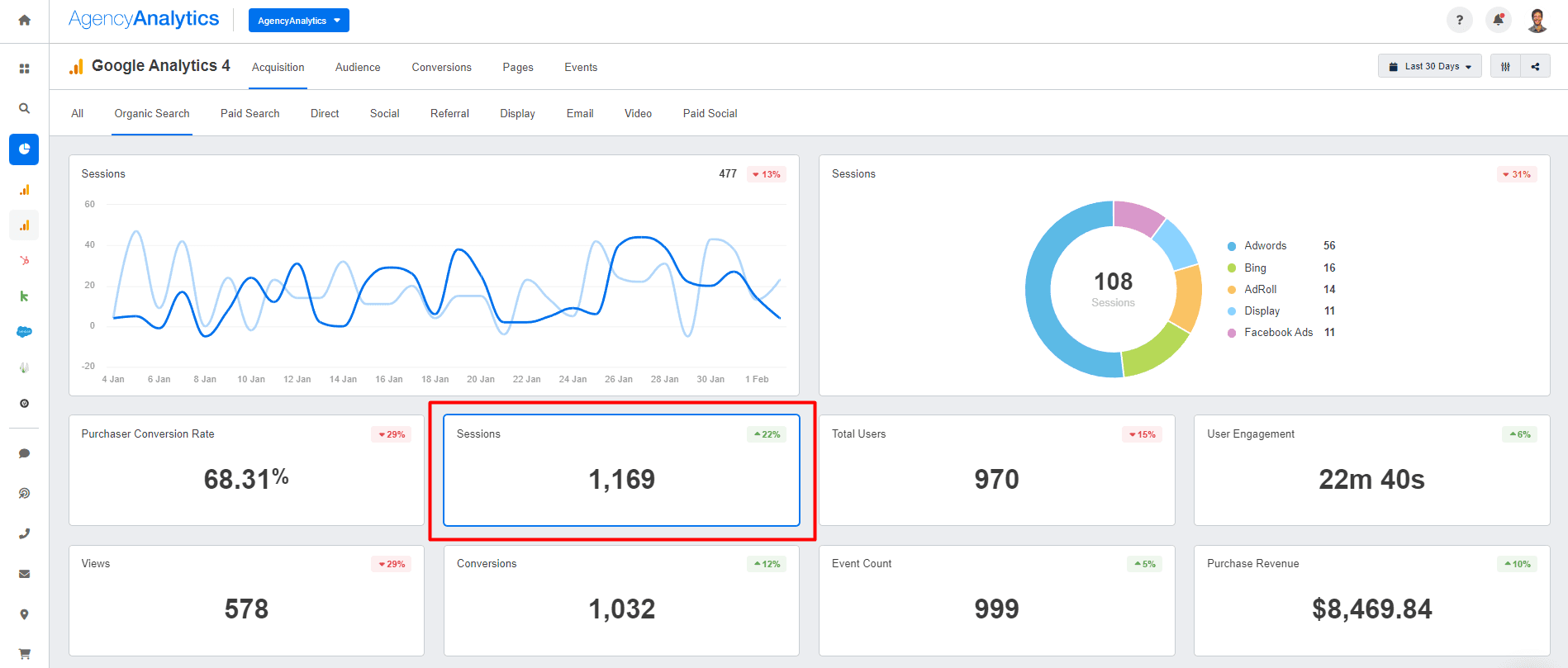
Google Analytics provides data-driven insights that show how your SEO efforts impact website performance. With the right setup, you can:
- Measure organic traffic growth
- Track keyword performance
- Understand user behavior
- Identify top-performing content
2. Set Up Google Analytics for SEO
- Create and link a Google Analytics account to your website
- Enable Google Search Console integration for keyword data
- Set up conversion tracking for goals like purchases, sign-ups, or downloads
3. Key Metrics to Monitor
a. Organic Traffic
Check Acquisition → All Traffic → Channels to see how much of your traffic comes from organic search.
b. Bounce Rate & Engagement
Monitor bounce rates and average session duration to understand if users are finding value in your pages.
c. Top Landing Pages
Under Behavior → Site Content → Landing Pages, identify which pages bring in the most organic visitors.
d. Keyword Insights
By connecting Google Analytics with Search Console, you can analyze which keywords drive impressions, clicks, and conversions.
e. Conversion Tracking
Measure goal completions and e-commerce transactions to evaluate the ROI of SEO campaigns.
4. Create Custom SEO Dashboards
Build custom dashboards to track all essential SEO KPIs in one place. Include widgets for organic traffic trends, keyword performance, and goal completions.
5. Segment Your Traffic for Deeper Insights
Use segments to compare:
- New vs. returning visitors
- Desktop vs. mobile traffic
- Organic traffic vs. paid traffic
This reveals how SEO affects different user groups.
6. Monitor Site Speed and Technical Performance

Google Analytics provides speed reports under Behavior → Site Speed. Slow-loading pages negatively affect rankings and user experience.
7. Regularly Review and Adjust
SEO is ongoing. Review your analytics monthly or quarterly to adjust strategies based on performance trends.
Conclusion
Google Analytics is a vital tool for tracking SEO success. By monitoring key metrics, creating custom dashboards, and integrating Search Console, you gain actionable insights that help refine your SEO strategy and boost long-term visibility.